自定义画板,canvas
drawImageRect函数使用
drawImageRect(Image image, Rect src, Rect dst, Paint paint)
image: 传入图片
src: 这里相当于画布的前景,这里是将给定大小的src,绘制到指定的dst矩形上面去
dst: 这里相当于画布,用来绘制src
  @override
  void paint(Canvas canvas, Size size) {
    if (image != null) {
      canvas.clipPath(Path()
        ..moveTo(0 + dx, 0 + dy)
        ..lineTo(scan + dx, 0 + dy)
        ..lineTo(scan + dx, scan + dy)
        ..lineTo(0 + dx, scan + dy));
      var imgh = size.width / (image.width / image.height);

      print('最终取值:$image,$imgh');
      print("size : $size");
      //绘制矩形,4个参数:
      canvas.drawImageRect(
          image,
          Rect.fromLTRB(0.0, 0.0, image.width.toDouble(), image.height.toDouble()),
          Rect.fromLTRB(0, 0, size.width, imgh),
          _paint);
    }
  }
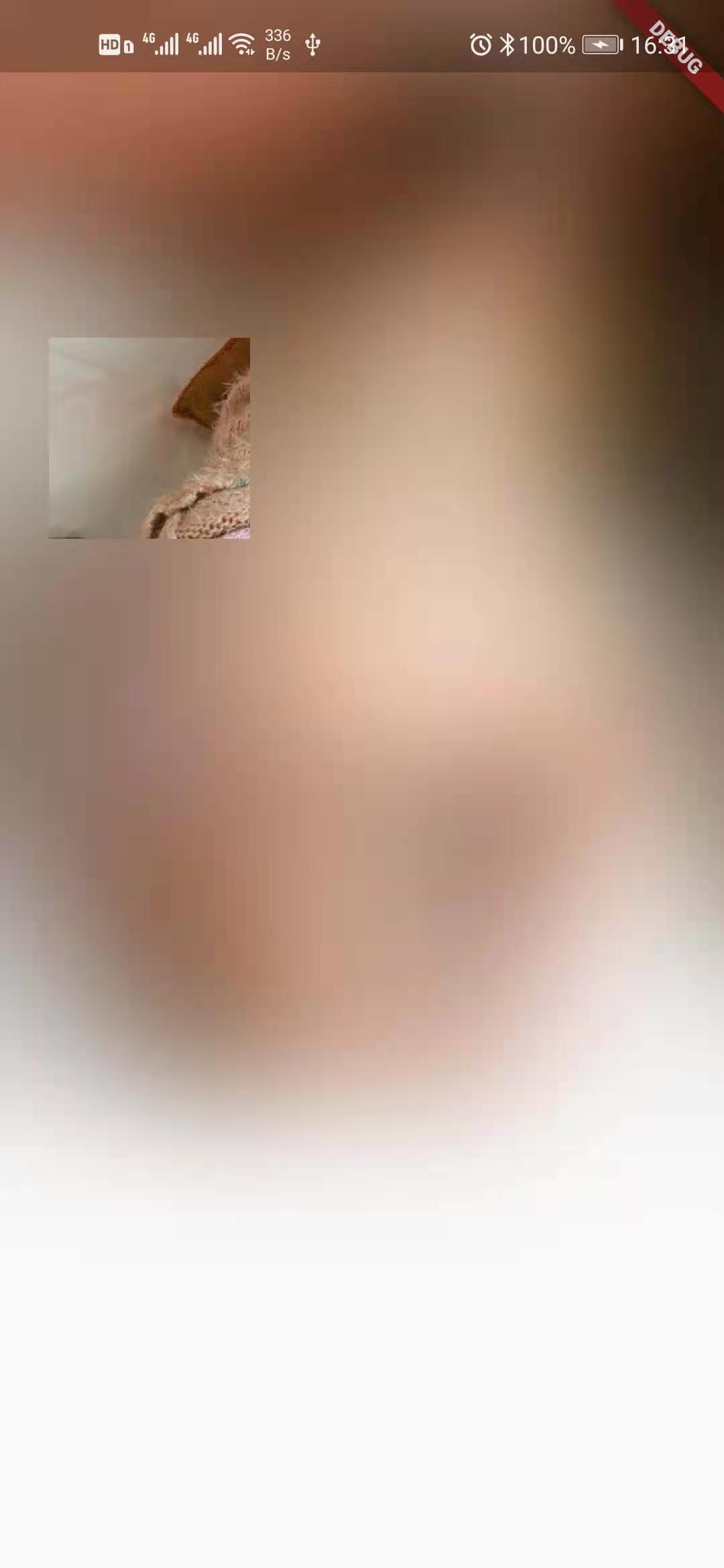
最终效果就是下面这样了,具体需要自己体会一下:
参考文章:https://www.jianshu.com/p/84bf680106be