第一次使用git,没有环境?
1. 先安装git
2. 生成公钥,用来添加到远程仓库
- 生成公钥
# 生成公钥,然后一路回车
ssh-keygen -t rsa -C "cao_cgq@163.com"
- 查看公钥

3. 复制公钥,打开码云-> 个人头像点设置->找到安全设置->SSH公钥
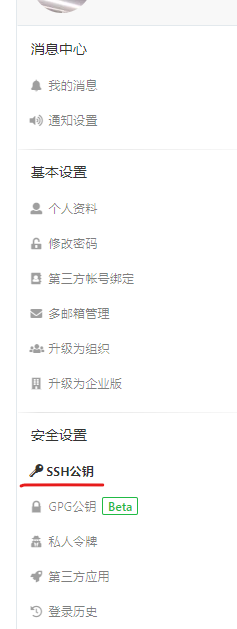
添加完公钥之后,就可以接下来的步骤了
怎么样将代码提交到远程仓库
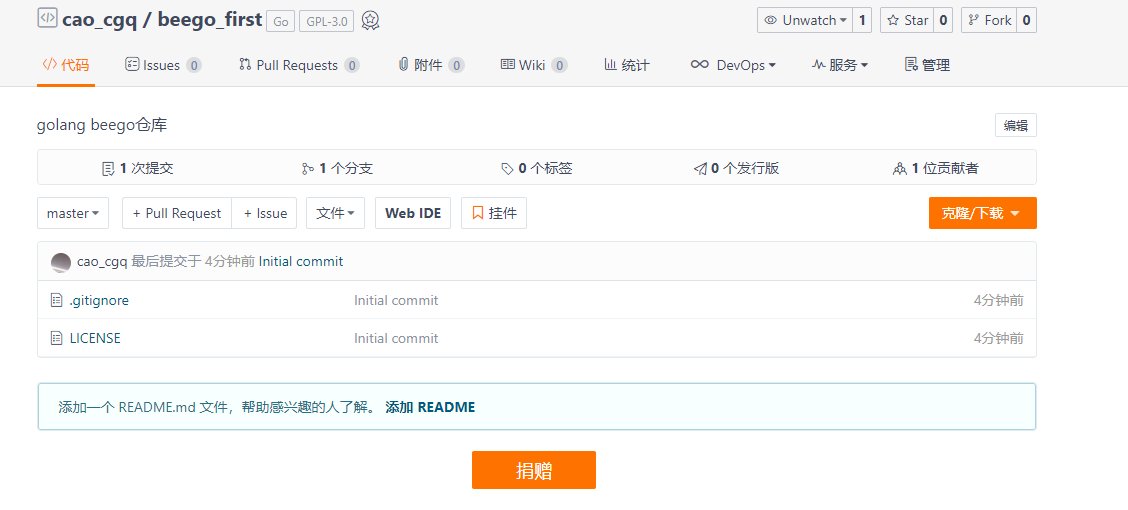
1. 在码云新建仓库,beego_first
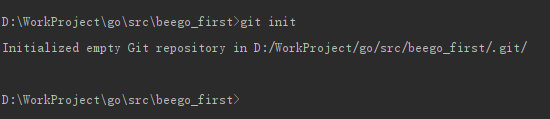
2. 本地项目路径下初始化仓库
git init
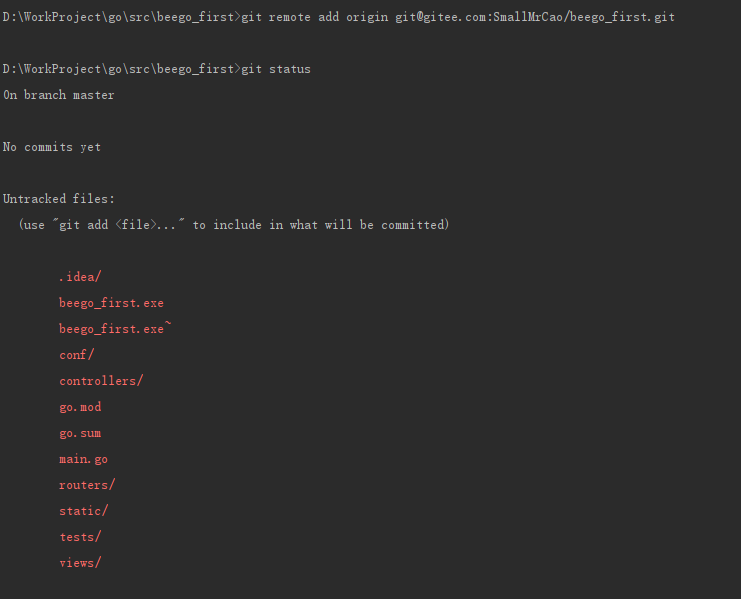
3. 本地项目添加远程仓库
# git remote add origin 仓库地址
git remote add origin git@gitee.com:SmallMrCao/beego_first.git
4. 添加完之后先pull,然后再add
git pull
git add *
出现这个问题,说明在add之前没有pull,需要执行以下命令,把无关的内容pull下来
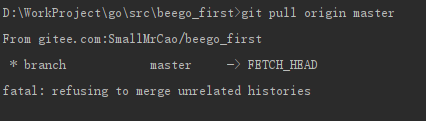
git pull origin master --allow-unrelated-histories
5. 最后执行提交就完成了
git push